Keyboard Shortcuts
A solid keyboard support is a key for user productivity while using your web and, especially, desktop app. Indeed, it could be really annoying to constantly switch between mouse and keyboard.
In addition to form controls' .autofocus property and TextField.focus() method Flet allows handling "global" keyboard events.
To capture all keystrokes implement page.on_keyboard_event handler. Event handler parameter e is an instance of KeyboardEvent class with the following properties:
key- the pressed key, aKeyboardKeysuch asKeyboardKey.A,KeyboardKey.ENTERorKeyboardKey.F5.physical_key- the position of the pressed key on the keyboard, aPhysicalKeyboardKeysuch asPhysicalKeyboardKey.W.shift-Trueif "Shift" key is pressed.ctrl-Trueif "Control" key is pressed.alt-Trueif "Alt" ("Option") key is pressed.meta-Trueif "Command" key is pressed.
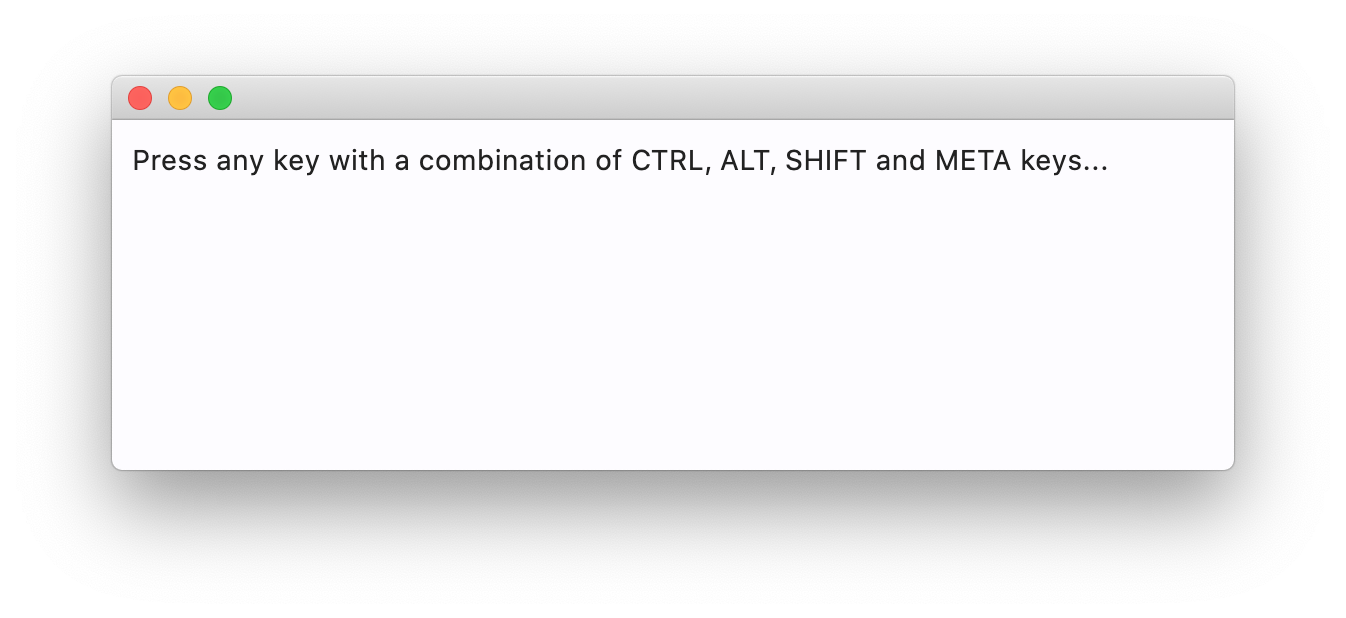
This is a simple usage example:
import flet as ft

def main(page: ft.Page):
    def on_keyboard(e: ft.KeyboardEvent):
        page.add(
            ft.Text(
                f"Key: {e.key}, Shift: {e.shift}, Control: {e.ctrl}, Alt: {e.alt}, Meta: {e.meta}"
            )
        )

    page.on_keyboard_event = on_keyboard
    page.add(
        ft.Text("Press any key with a combination of CTRL, ALT, SHIFT and META keys...")
    )

ft.run(main)
To react to a specific key, compare e.key with a KeyboardKey member:
def on_keyboard(e: ft.KeyboardEvent):
    if e.key == ft.KeyboardKey.ARROW_RIGHT:
        move_right()
    elif e.ctrl and e.key == ft.KeyboardKey.S:
        save()
Letter keys are reported in upper case, whether or not Shift is pressed.
For controls that depend on where keys sit on the keyboard rather than what they type, such as moving with W, A, S and D, compare e.physical_key with a PhysicalKeyboardKey member. Physical keys are named after the US QWERTY layout and stay in place on other layouts: on a French AZERTY keyboard, the key that types Z is PhysicalKeyboardKey.W.
def on_keyboard(e: ft.KeyboardEvent):
    if e.physical_key == ft.PhysicalKeyboardKey.W:
        move_up()
    elif e.physical_key == ft.PhysicalKeyboardKey.A:
        move_left()
Below is a more advanced example:
import flet as ft


class ButtonControl(ft.Container):
    def __init__(self, text):
        super().__init__()
        self.content: ft.Text = ft.Text(text)
        self.border = ft.Border.all(1, ft.Colors.BLACK_54)
        self.border_radius = 3
        self.bgcolor = "0x09000000"
        self.padding = 10
        self.visible = False


def main(page: ft.Page):
    page.spacing = 50
    page.vertical_alignment = ft.MainAxisAlignment.CENTER
    page.horizontal_alignment = ft.CrossAxisAlignment.CENTER

    def on_keyboard(e: ft.KeyboardEvent):
        key.content.value = e.key
        key.visible = True
        shift.visible = e.shift
        ctrl.visible = e.ctrl
        alt.visible = e.alt
        meta.visible = e.meta
        page.update()

    page.on_keyboard_event = on_keyboard

    page.add(
        ft.SafeArea(
            content=ft.Column(
                controls=[
                    ft.Text(
                        "Press any key with a combination of CTRL, ALT, SHIFT "
                        "and META keys..."
                    ),
                    ft.Row(
                        controls=[
                            key := ButtonControl(""),
                            shift := ButtonControl("Shift"),
                            ctrl := ButtonControl("Control"),
                            alt := ButtonControl("Alt"),
                            meta := ButtonControl("Meta"),
                        ],
                        alignment=ft.MainAxisAlignment.CENTER,
                    ),
                ]
            )
        )
    )


if __name__ == "__main__":
    ft.run(main)